Rulta Mate Is Now on Mobile
Rulta Mate now runs in your browser. One setup on your computer, then fan lists, automations, chargeback alerts and watermarks from any device.
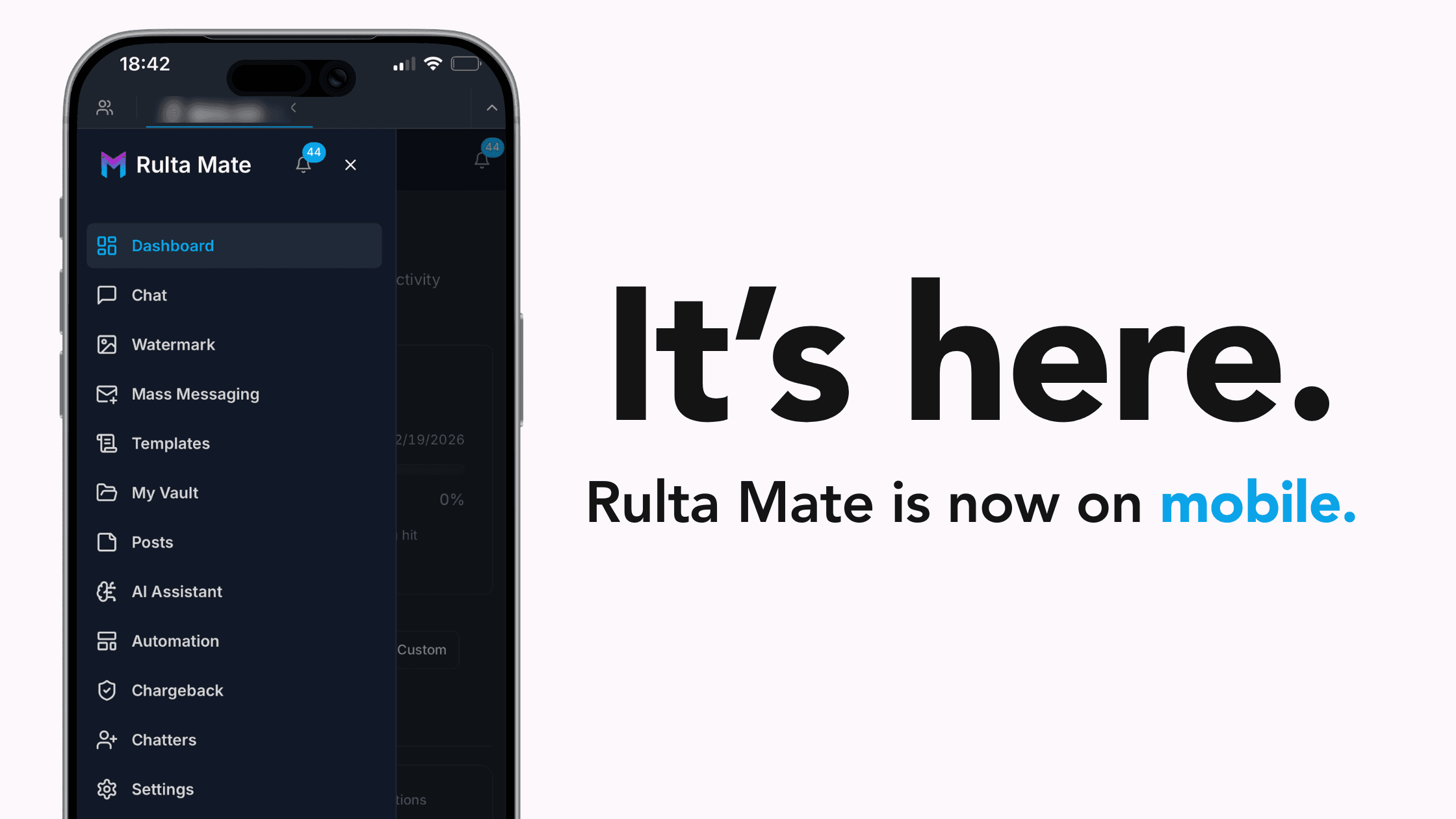
One quick setup on your computer, and from then on the full toolkit, from chargeback protection to automations to invisible watermarks, runs in any browser. Including the one in your pocket.
Your business doesn't happen at a desk. Fans message at midnight. Your biggest spender comes online while you're out. A sale lands while you're traveling. The work of running your page follows you everywhere, but until now, the tools for managing it didn't.
That changes today. After a one-time setup on your computer, Rulta Mate runs directly in your web browser. Open a tab, log in, and everything is there: your fan lists, your automations, your chargeback alerts, your watermark settings. On your laptop, your tablet, or your phone.
Why this matters more than it sounds
Creator management tools have always been desktop software. If you wanted to check a fan's spending history, adjust an automation, or see a chargeback alert, you needed to be at a computer. That standard never matched how this business actually works, because your fans are on their phones and your income moves in real time, whether you're home or not.
A business that runs around the clock from your pocket shouldn't depend on a machine sitting at home. Moving Rulta Mate to the browser closes that gap: the toolkit now lives wherever you are, not wherever your computer is.
What stays the same: everything. Same account, same settings, same features. Your automations keep running, your protection stays on. The browser version isn't a lighter edition of Rulta Mate. It's Rulta Mate, reachable from anywhere.
What browser-based gets you
Set up once, use everywhere. The desktop app is only needed for your first-time setup. After that, nothing to install on any other device: open a tab, log in, and you're working.
Every device, every OS. Phone, tablet, laptop. iOS, Android, Mac, Windows. If it runs a modern browser, it runs Rulta Mate. No more being locked to one machine.
Always up to date. New features and fixes ship instantly. You never install an update again, because the version in your browser is always the latest one.
The full toolkit, anywhere. Chargeback alerts, fan lists and segmentation, automation toggles, watermark settings. Everything you manage from your desk, now from your pocket.
What this looks like in a normal day
The difference isn't abstract. It shows up in moments like these:
9:40 AM — A flagged fan starts a conversation You're out for coffee. The chargeback alert shows up right in your chat on your phone, and you decide how to handle the conversation before it gets expensive. No waiting until you're back at a computer.
2:15 PM — You want to tweak a welcome message An idea hits while you're between shoots. Open the tab, edit the automation text, done in ninety seconds from your phone.
7:30 PM — A VIP comes online Your fan-online automation sends the PPV offer instantly, and you can jump into the conversation personally from wherever you are. The automation opens the door; you walk through it.
11:50 PM - You check the day from bed Fan list, new subs, what the automations handled. A one-minute scroll on your phone instead of opening the laptop one more time.
Getting started
1. Complete the one-time setup on your computer
New to Rulta Mate? The initial setup runs through the desktop app on your PC, once. Already a Rulta Mate user? This step is already done, skip straight to your phone.
2. Open app.rultamate.com in any browser
Phone, tablet, or any computer. Any modern browser works from here on.
3. Log in with your existing account
Same credentials, same account. Everything you've set up is already there waiting for you.
4. Bookmark it, or add it to your home screen
On your phone, use "Add to Home Screen" in your browser menu and Rulta Mate opens like an app, one tap away.
Quick answers
Do I need to download or install anything?
Only once. The initial setup runs through the desktop app on your PC. After that, there's nothing to install on any device: rultamate.com in a browser is all you need.
Why does the initial setup need the desktop app?
Because that’s where you connect your account. The first login links your OnlyFans account to Rulta Mate through the app, once. After the connection is made, the browser is all you need for everyday use.
I already use Rulta Mate on my desktop. What do I need to do?
Nothing. Your setup is already complete. Open app.rultamate.com in your phone's browser, log in with the same account, and everything is there.
Does it work on iPhone and Android?
Yes. Once your one-time setup is done, any device with a modern browser works: iOS, Android, Mac, Windows, tablets. If it opens a web page, it opens Rulta Mate.
Will my settings and data be there?
Yes. It's the same account and the same Rulta Mate. Your fan lists, automations, and protection settings are exactly where you left them.
Does browser access cost extra?
No. This is the same Rulta Mate at no additional cost. Browser access is simply how you reach it now, from more places.
Do my automations depend on my browser being open?
No. Automations, monitoring, and protection run on Rulta Mate's side around the clock. The browser is just your window into it. Close the tab and everything keeps working.
Your business fits in your pocket. Now your toolkit does too.
Open Rulta Mate in your browser and run your page from anywhere: chargeback alerts, automations, fan lists, and watermarks, all one tap away.
Open Rulta Mate in your browser →
Note: Rulta Mate supports OnlyFans. Feature availability and account details are described in Rulta Mate product documentation. This post is for informational purposes only.